A granular instrument for iPhone and iPad
Record anything. Turn it into sound.
Grainfold turns a voice memo, a kettle or a city street into loops, drones and shimmering clouds of grains. Mark part of the waveform, then play the waveform itself with your fingers.
- Four regions, A to D
- Loops and grain clouds
- Everything stays on your device
What it is
A sound, folded into an instrument
Granular synthesis cuts a sound into tiny grains, a few milliseconds each, and plays them back in clouds: stretched, scattered, layered and pitched. It can turn a single breath into a choir, or a door slam into a storm.
Grainfold puts that under your fingers. Record or import a sound, mark up to four regions on its waveform, and play each one as a seamless loop or as a cloud of grains. Then switch to PERFORM, and the waveform itself becomes the instrument.
- 4 regions
- A to D, each with its own mode and sound
- 5 ms – 1 s
- Grain size, from a click to a phrase
- 100 / s
- Grains per second in each region
- ±24 st
- Pitch, two octaves either way
- 48 kHz
- WAV export, 16 or 24-bit
How you can use it
From a voice memo to a live set
- Field recordings
Endless pads from a single second
Rain on a window, a passing train, the hum of a fridge. Fold a second of it into a pad that never runs out.
- Voice
Your voice, as an instrument
Hum one note and turn it into a choir, a drone or a stutter that follows your fingers.
- Sound design
Textures for film and games
Build ambiences, risers and impacts, then export WAV files ready for your editor or game engine.
- Performance
An instrument you play live
In PERFORM, the waveform is the instrument: across a region sets one control, up the waveform another.
- Sketching
Ideas, wherever you are
Record, loop, save it as a project. Pick it up later exactly where you left it.
How it works
Five steps from any sound to your own
Record or import
Record with the microphone, or import any audio file from Files.
Mark regions
Drag across the waveform to mark up to four regions, A to D.
Loop or grain
Each region loops seamlessly or plays as a cloud of grains you shape.
Play it
Switch to PERFORM and play the waveform with your fingers. Record a gesture and it loops.
Keep it
Save the sound as a preset, the work as a project, or export a WAV.
Features
Everything it does
Deep enough for sound design, simple enough to pick up and play.
Four regions
Mark up to four parts of a sound, A to D. Each has its own colour, mode and sound, with mute and solo.
A grain engine
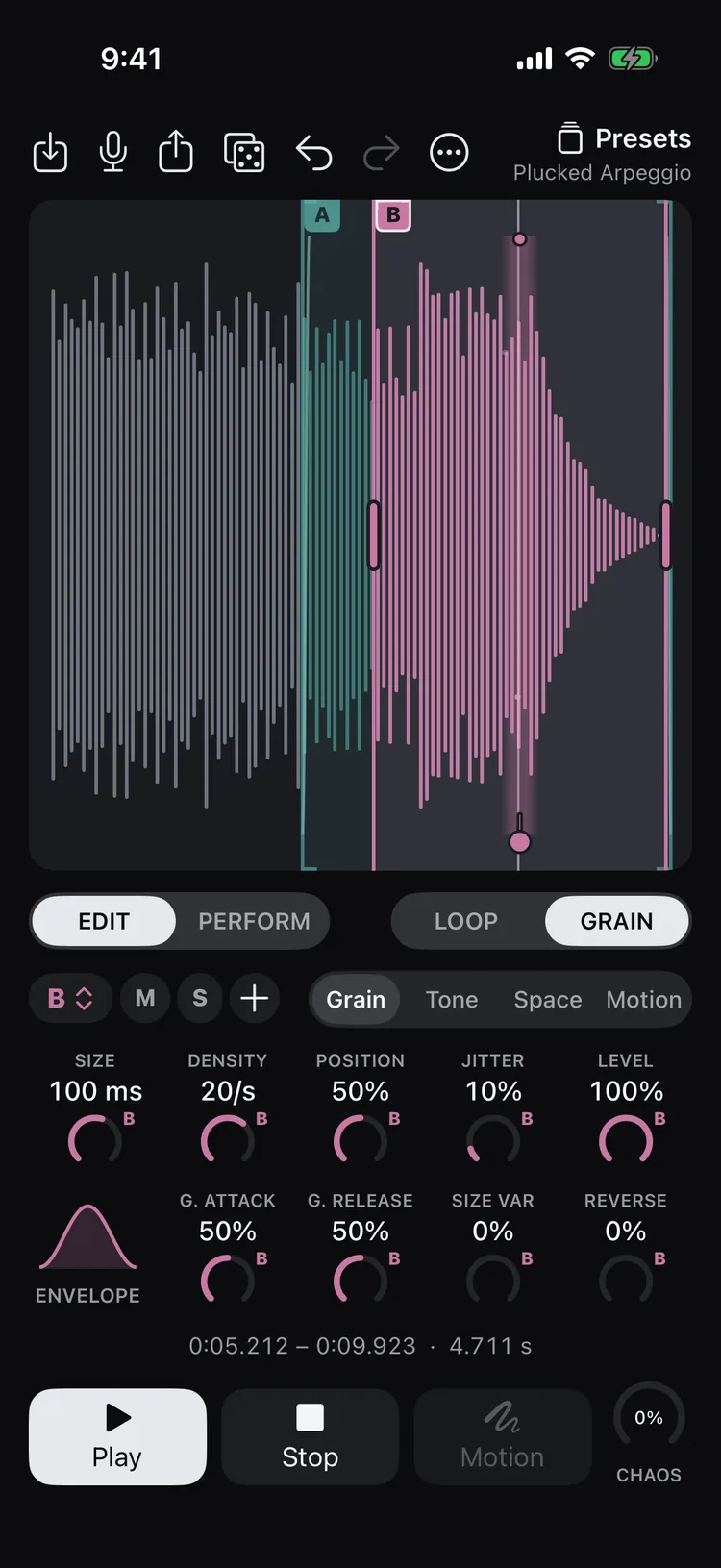
Grains from 5 ms to 1 s, up to 100 a second, with position, jitter, attack, release, reverse and size variation.
Seamless loops
Fade in, fade out and crossfade, so any slice of a sound loops without a click.
PERFORM
Play the waveform with your fingers. Choose what X and Y control: position, size, pitch, filter and more.
Motion
Record a gesture and it loops, smoothed as much as you like, while you change everything else.
CHAOS and Randomize
CHAOS turns up every kind of grain randomness at once, and back at zero your sound returns exactly. Randomize rolls a new sound or nudges this one.
Tone and space
Low-pass, band-pass and high-pass filters, a delay up to 2 s and a reverb up to 15 s long.
Presets and projects
Start from factory presets, save your own sounds, and keep your work as projects with their samples.
WAV export
Render a loop or a set length at 44.1 or 48 kHz, 16 or 24-bit, with the tail left to ring out.
Private by design
No account, no tracking, no ads. Your recordings never leave your device unless you share them.
Made for fingers
Large controls, knobs that light up under your finger, and VoiceOver names for every control.
iPhone and iPad
Portrait and landscape, each laid out for the space it has, with the same gestures everywhere.
Screens
The waveform is the instrument
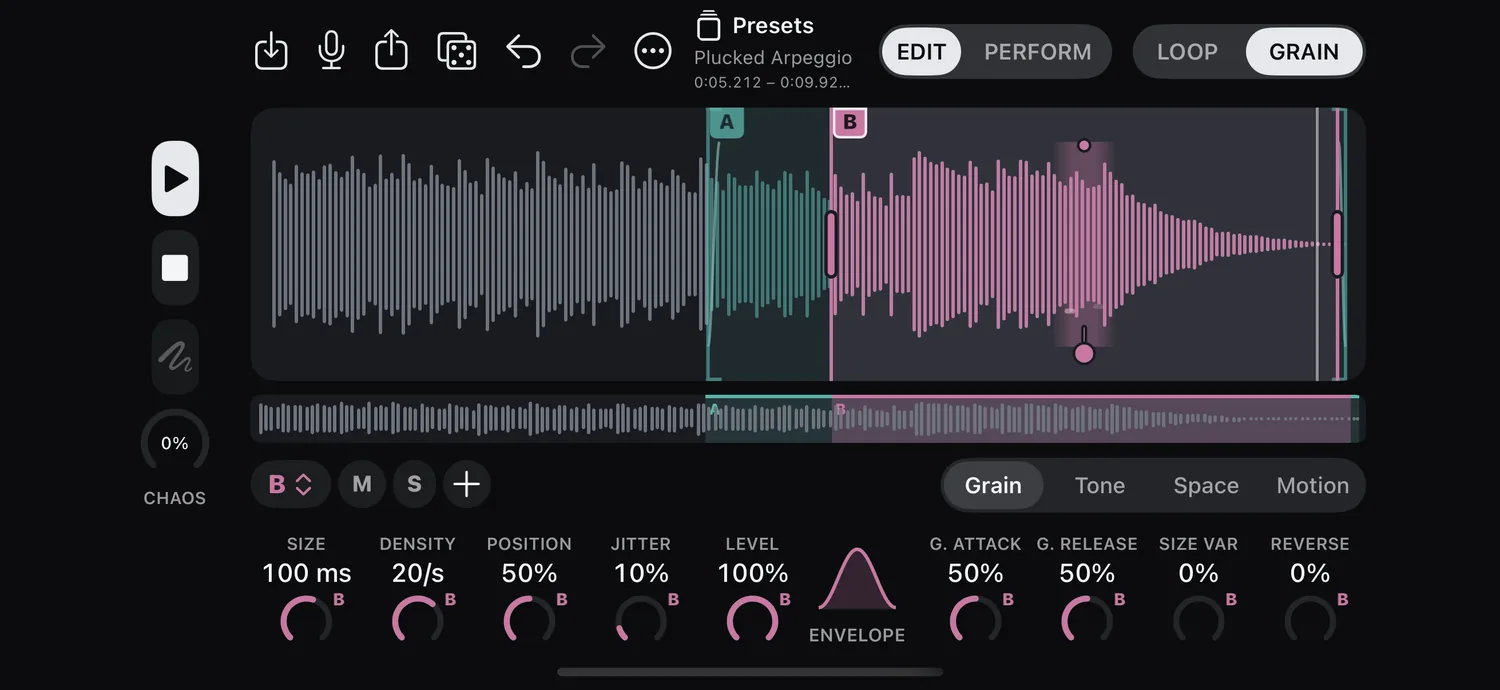
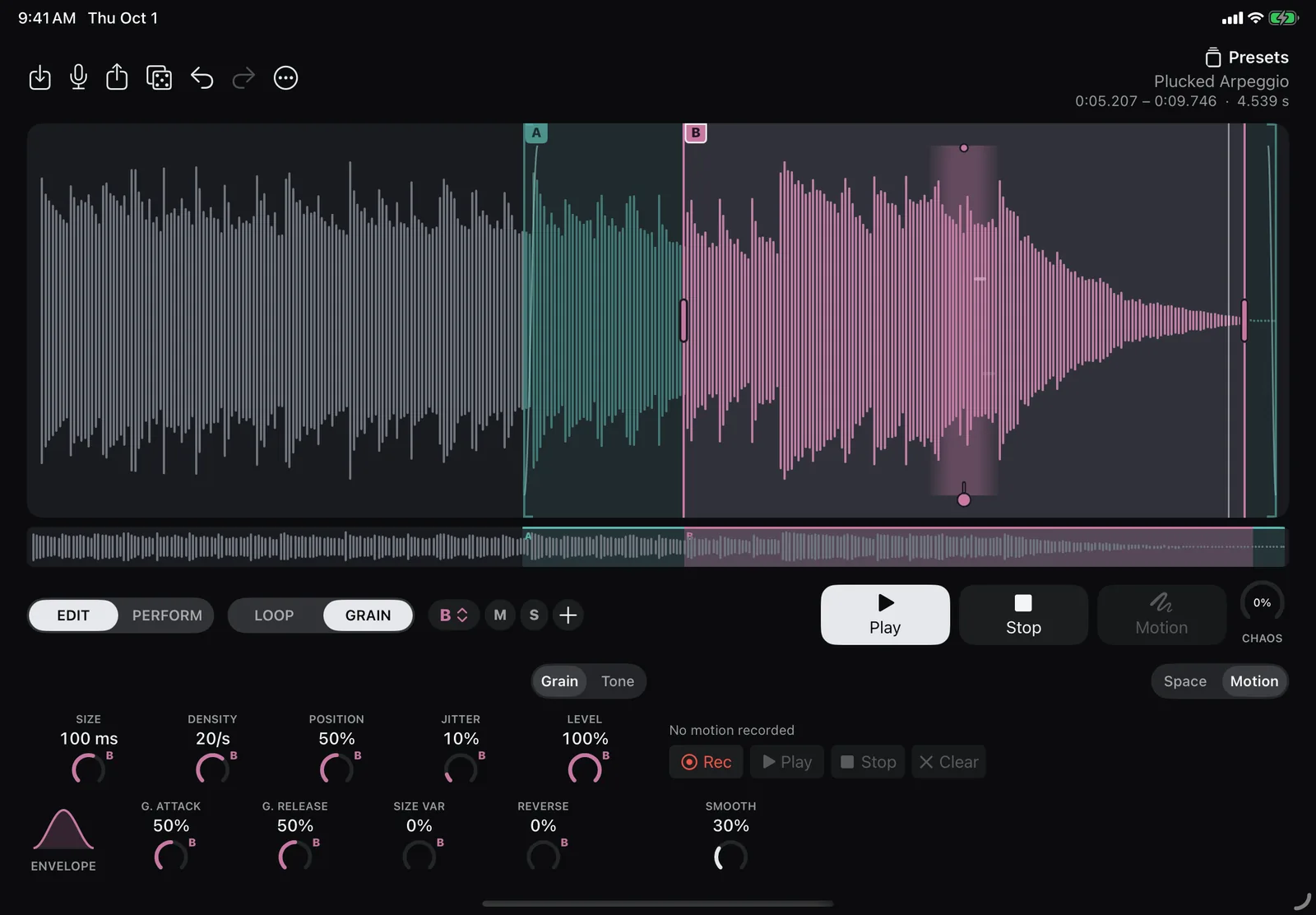
GrainB plays a cloud of grains around its position; fragments show each grain as it plays. 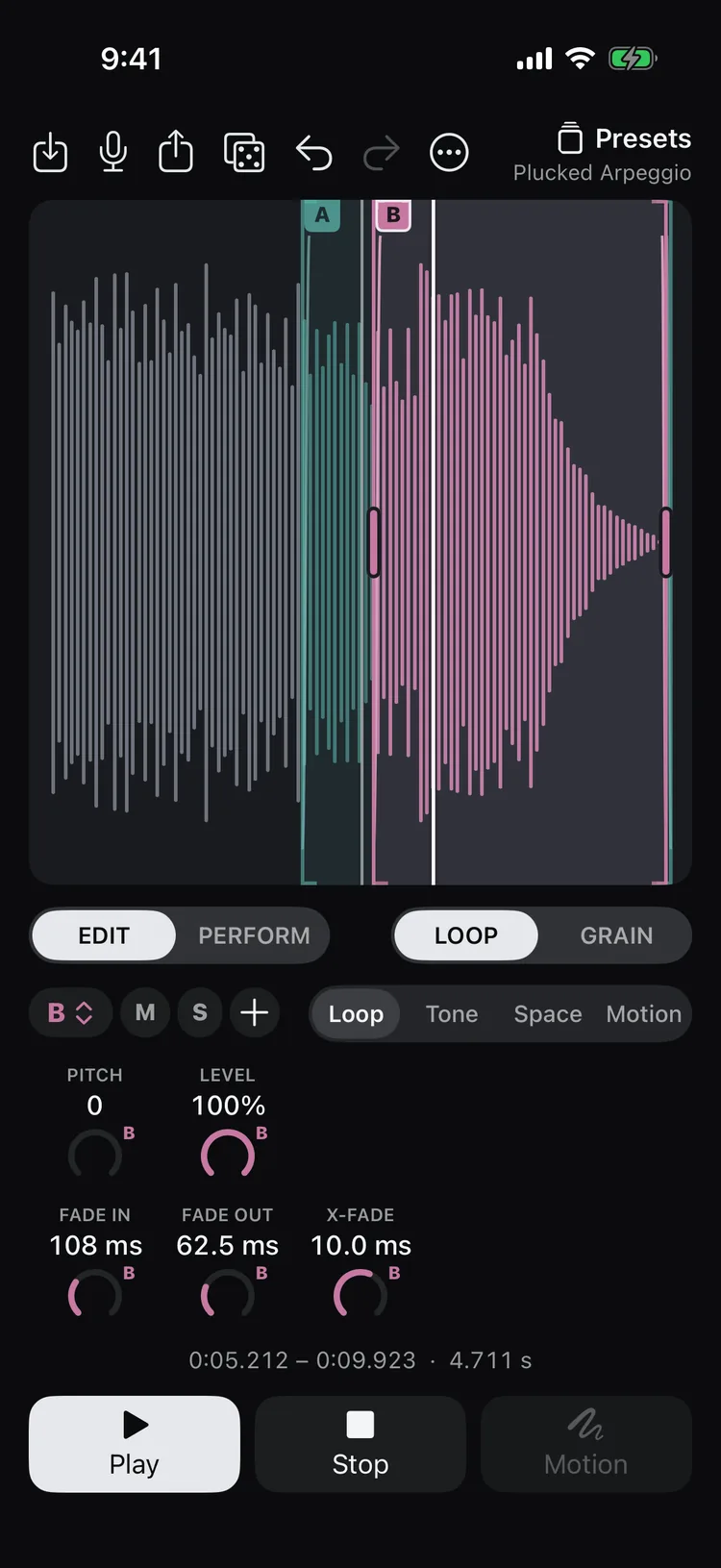
LoopA loops between its fades; the white playhead shows where. 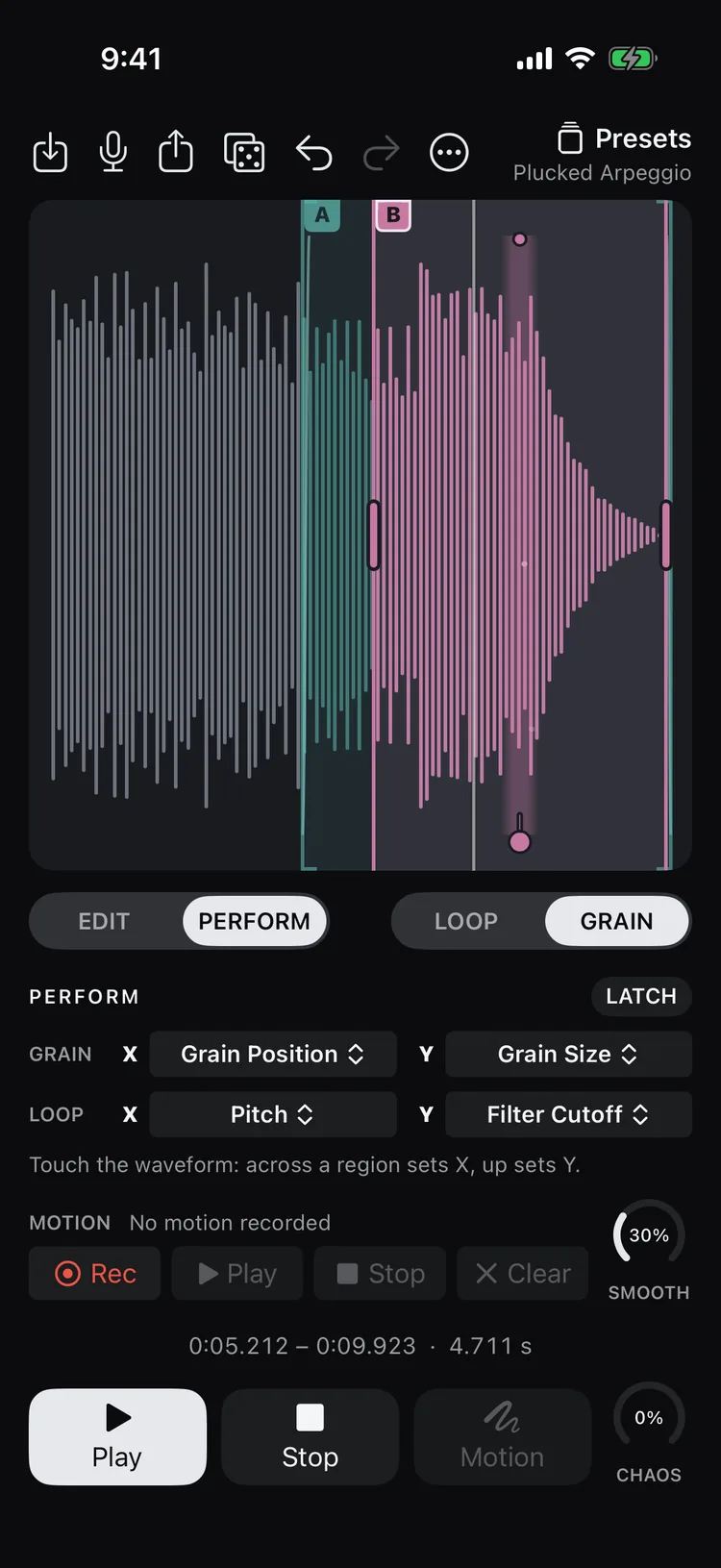
PerformYour fingers play the waveform. Choose what X and Y set. 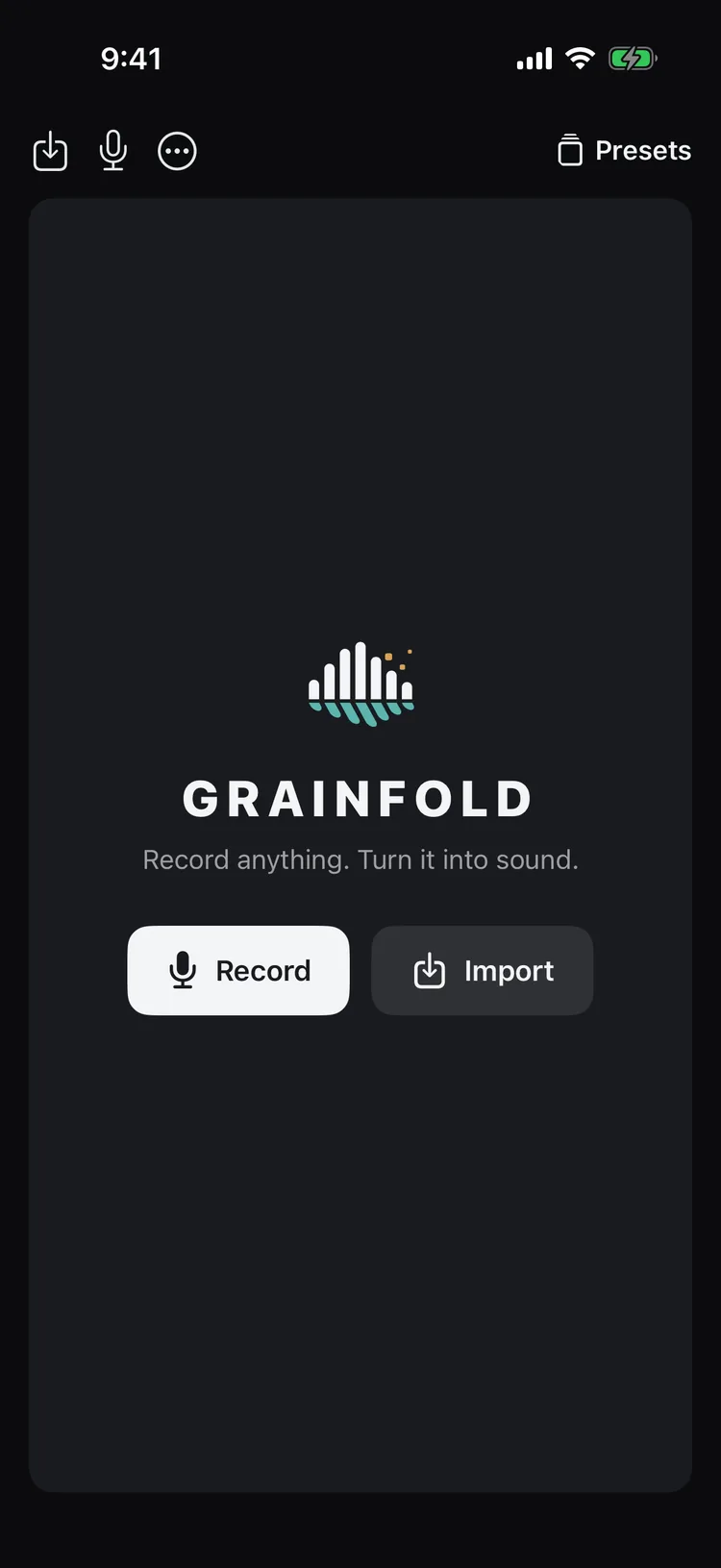
StartRecord anything, or import a file.
Videos
See it, hear it
Follow along
New sounds, tips and performances made with Grainfold.